

Kozo
A simple note-taking app for every day.
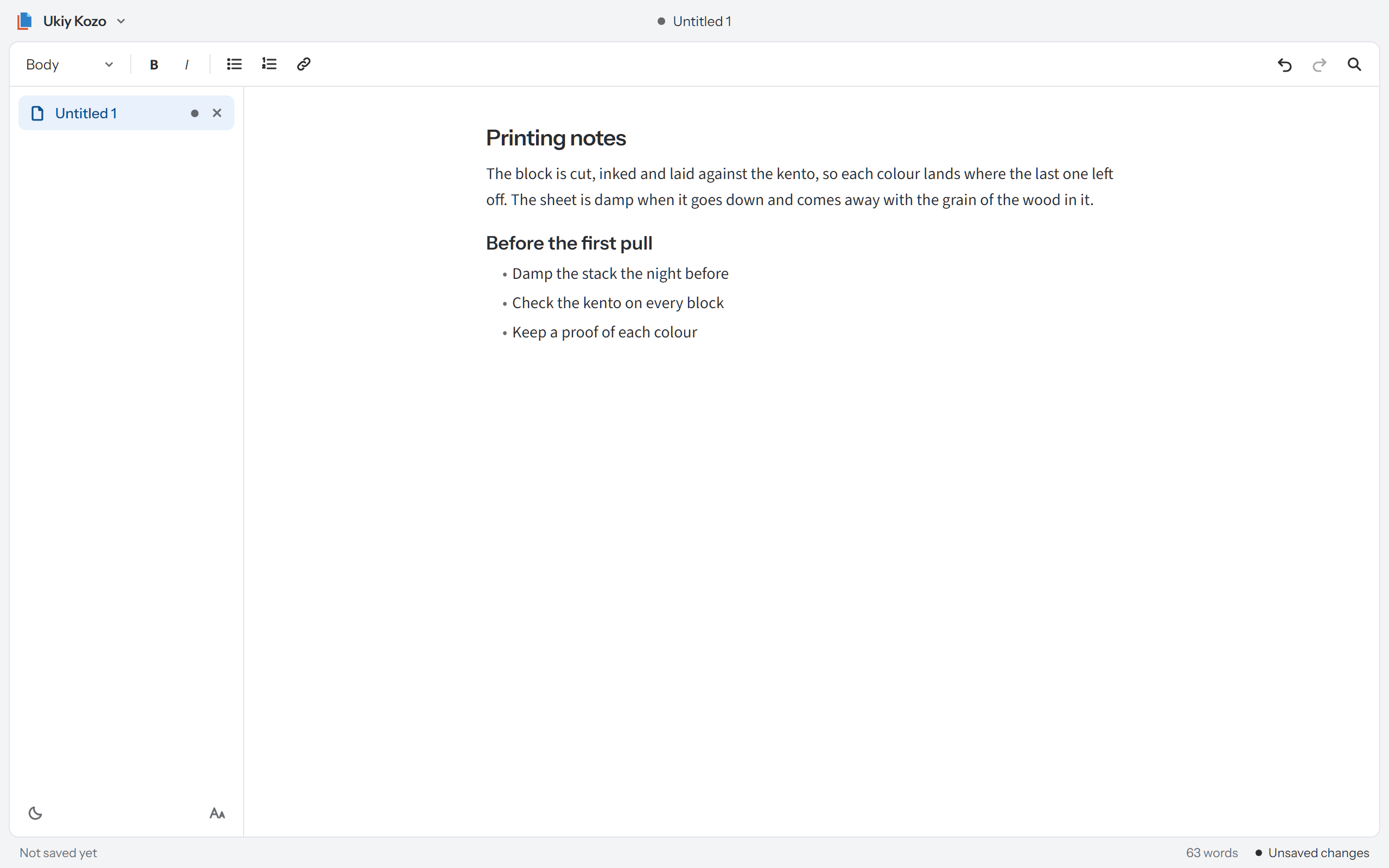
Body text, three sizes of heading, bold, italic, bulleted and numbered lists, and links.
Find and replace across the note you are in.
Keep several notes open, in a list at the side.
Only when you press Save or Ctrl+S. If something else changed the note since you opened it, Kozo offers to save a copy.
Kozo keeps a recovery copy a moment after each edit, and offers it back after a crash.
Notes are .uky files on your computer, in an open format.
| Item | Detail |
|---|---|
| Installs | For your Windows account only. |
| Warning | The installer is not signed yet, so Windows may warn you. Select More info, then Run anyway. |
| Your notes | Double-clicking a note opens Kozo, unless another app is already set to open .uky files. |
| Updates | Close Kozo first. The installer will not install over or remove a Kozo that is open. |
| Licence | Free to install and use. Kozo is proprietary software from Ukiy Pty Ltd, and the installer shows its licence. |
| SHA-256 | b7334ad1ae62f4d4a60ee5ba9678c9bc08b8774e51a5621f95f6cdf5feb91c8e |